
Photo Editing Without the Weight: Practical Work in Your Browser
Desktop suites can be more than a small edit needs, while basic web croppers often stop too early. Here is the browser-based middle ground and a workflow from file selection to export.

This scenario comes from a familiar last hour before publishing, and from photographs that are not ready to be seen yet.
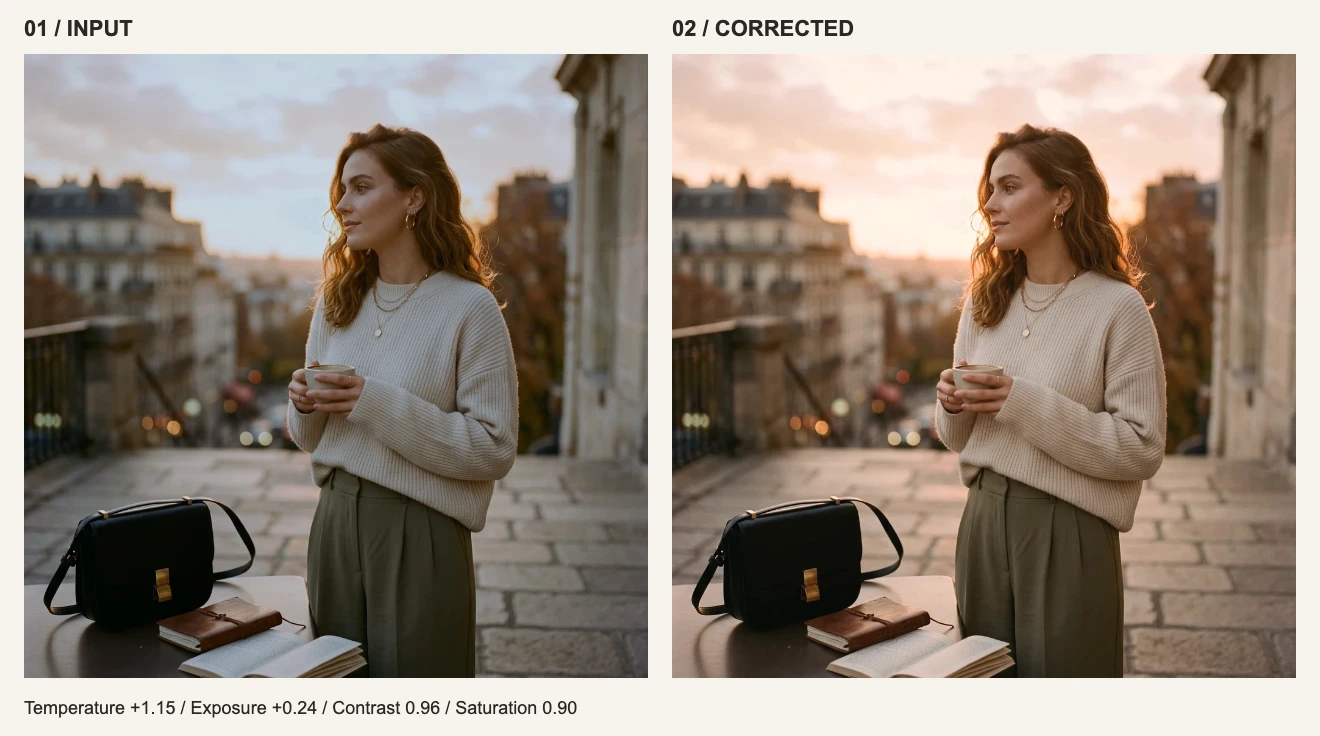
The photograph was not broken; it just did not feel like the day she remembered. Before publishing, one creator handled the crop, color, original comparison, and export in the browser while keeping the unpublished image on her device.
After the story
We write about color and the people who use it. Begin with a creator scenario reconstructed from real workflows, then continue into practical guides on tone, detail, privacy, and export.
Photo Editing Without the Weight: Practical Work in Your Browser
Desktop suites can be more than a small edit needs, while basic web croppers often stop too early. Here is the browser-based middle ground and a workflow from file selection to export.
Privacy Is an Architecture, Not a Promise: How visdraw Handles Your Images
"We take your privacy seriously" is unfalsifiable on its own. This article instead describes the current image-processing path, the ordinary site and account data around it, and how to inspect the relevant requests yourself.
HSL Color Grading: Global Adjustments vs. Targeted Color Replacement
Global hue and saturation affect the entire image; they are not selective color tools. Here is when to make a global adjustment and when to switch to color replacement.
How to Blur or Pixelate Sensitive Information in Screenshots More Safely
Light pixelation over text can sometimes be reversed. Here is how to match the redaction method to the risk, set its strength, and check the result before publishing.
Fix Color Casts: A Practical White Balance Workflow
Orange indoor shots, blue shadows, green office lighting. These are variations of the same problem, and manual temperature and tint adjustments can often improve them.
PNG, JPG, WebP or PDF: Choosing the Right Export Format
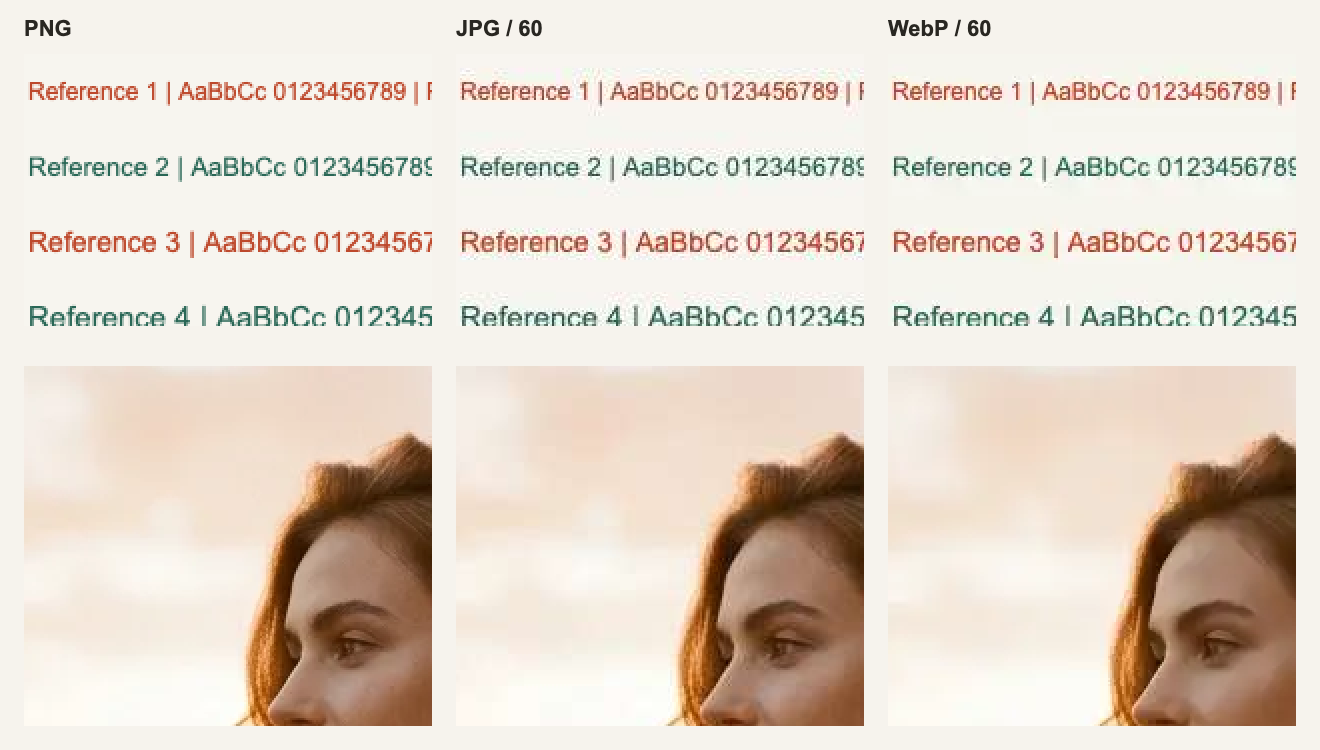
Four formats, one decision, and a quality slider most people misread. A short reference for choosing an export format and size that fits where the file is going.
Add a Watermark Without Uploading Your Photos
A watermark is a credit line and a deterrent, not a lock. Here is how to place one so it does its job without ruining the image — and why you should not upload the original to add it.