One photo story. Different light.
Bring travel, outfit, or café photos closer together with thoughtful white balance and light adjustments.

For your next post, cover, or brand collaboration. Fine-tune light and color, then save your settings as a preset so the next photo starts a little closer.
Try it firstPro $29 · one-timeDifferent light. A look that stays yours.
PHOTO PRIVACY, BUILT IN
Edit and export unpublished work, client photos, and personal moments locally in your browser.
Your browser processes your photos, without a remote editing server.
Open a photo and start editing. Your original is never sent to the cloud for processing.
visdraw does not store your originals or edited photos in a remote library.
MADE FOR THESE MOMENTS
Bring travel, outfit, or café photos closer together with thoughtful white balance and light adjustments.
Apply your saved color preset and fine-tune the new photo to carry your visual style forward.
Refine the colors and compare with the original, right in your browser, before you publish.
LIGHT, COLOR, AND A LOOK YOU CAN REUSE
Start with a filter or make your own adjustments. Turn the settings you like into a starting point for next time.
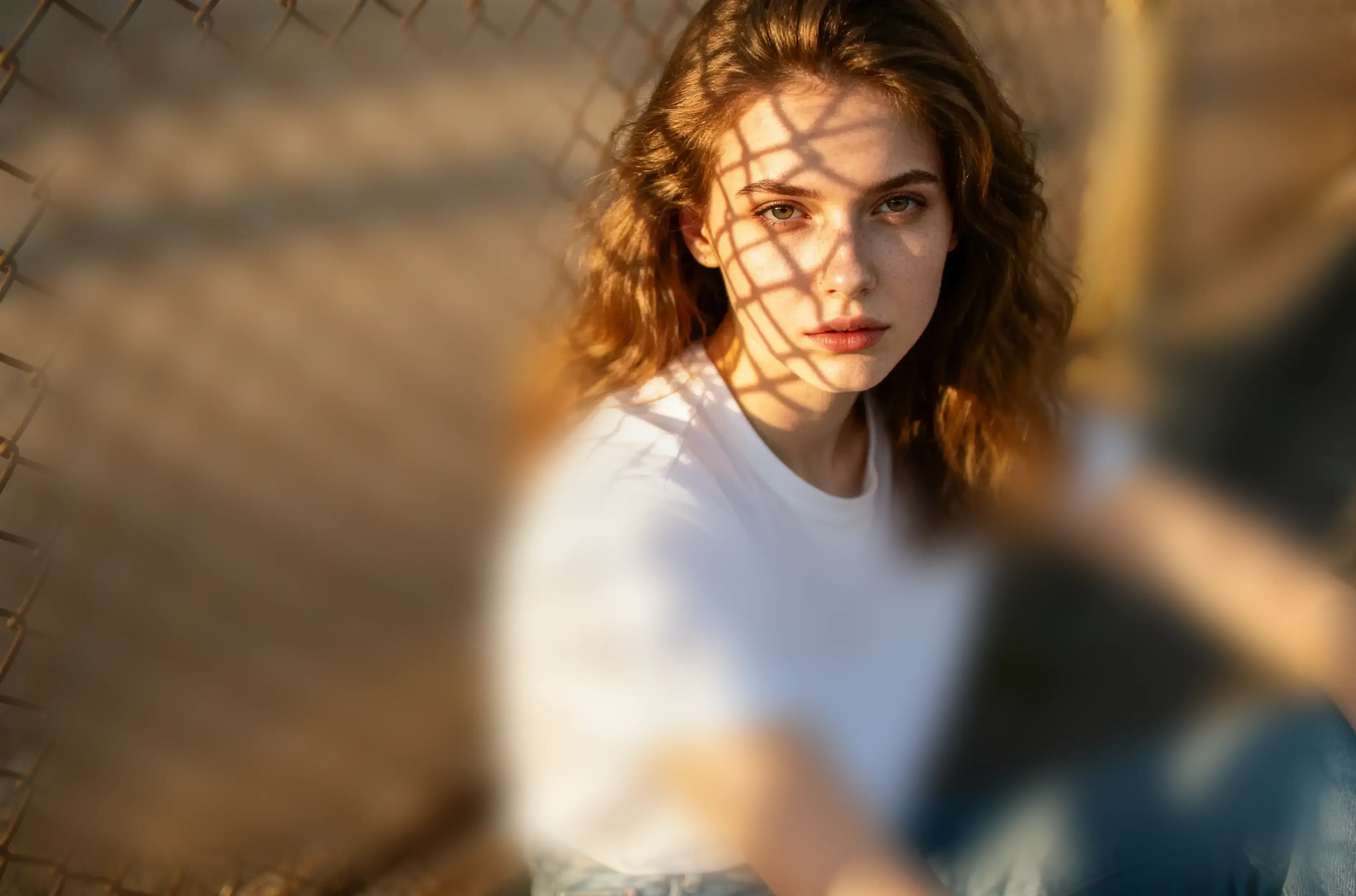
Adjust white balance, highlights, shadows, and color. Compare with the original as you go.
Name your color settings and save them in this browser for another session.
Apply your preset, adjust for the new light, and export your finished photo.
FOR YOUR REGULAR CREATIVE WORK
If color editing is part of your weekly routine, Pro is a one-time purchase to consider. Try it with your own photos and decide if it earns a place in your workflow.