Text, custom logo & full-tile modes
Switch between single-corner placement, free drag positioning, or angled repeating tiles in one click.
Position corner signatures or full-frame anti-theft watermarks with exact opacity, rotation, and spacing—without sending private IDs or proofs to any server.
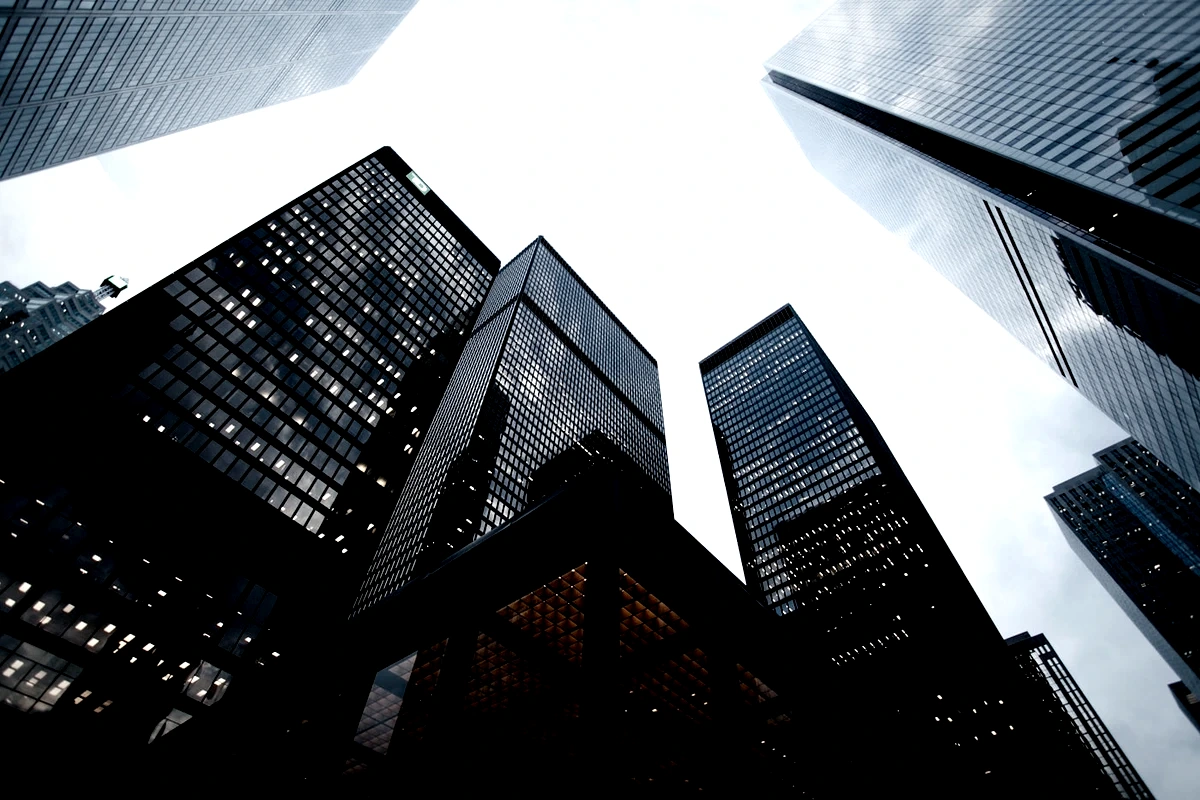
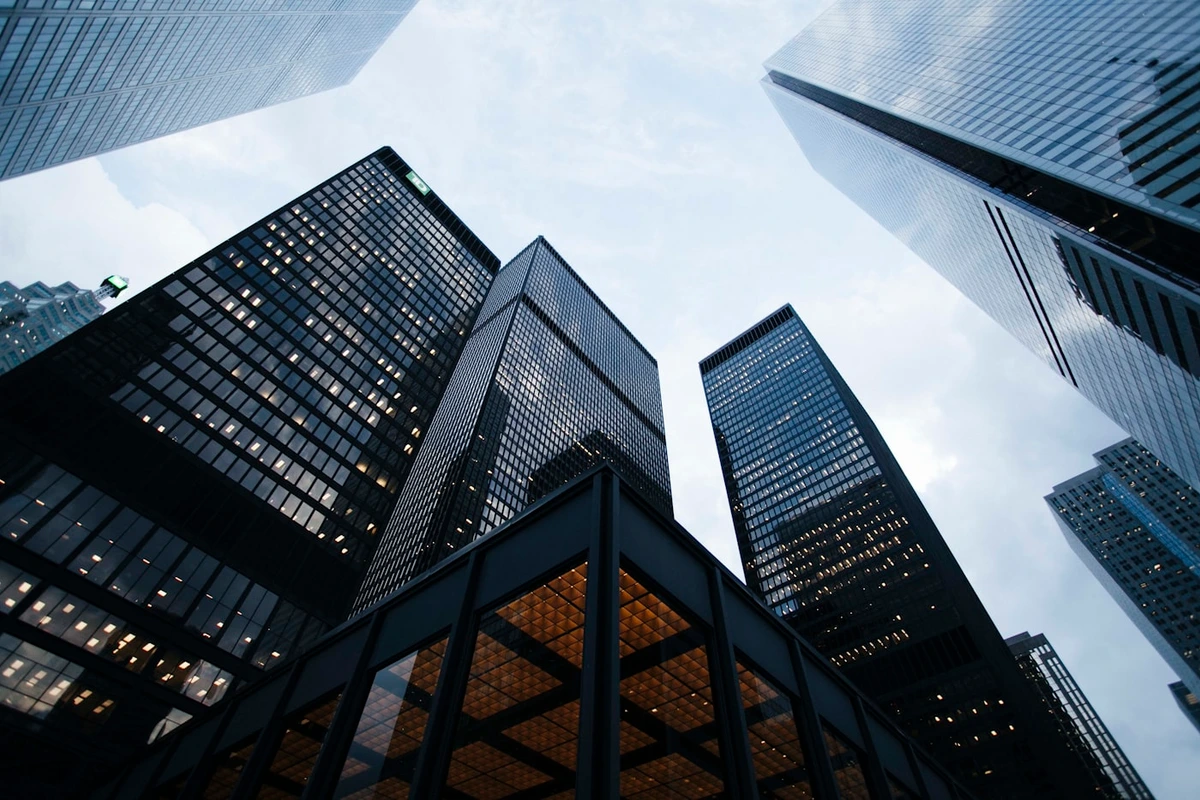
Switch between single-corner placement, free drag positioning, or angled repeating tiles in one click.
Because files stay inside your browser tab, you can safely watermark sensitive documents or unreleased product shots.
Even on the free tier, your exported image carries only the watermark you deliberately placed.
Open directly into the watermark panel with zero upload delay.
Drag directly on the canvas or pick preset corner and tile layouts.
Download clean JPG/WebP for free, or lossless PNG & single-page PDF with Pro.
Includes local batch grading & ZIP packaging, all 10 signature film & cinematic looks, original/custom dimensions, lossless PNG/PDF, and cloud-synced personal presets.
Yes. Images are rendered locally in your browser and never transmitted over the network.
Never. Optional custom watermarks are off by default and completely controlled by you.
WebGL Film Lab
Apply warm film, cool film, teal & orange, bleach bypass, and vintage looks to photos directly in your browser with GPU-accelerated WebGL—zero uploads, instant preview.
Batch Workflow · Pro
Grade one photo, then apply the exact same color preset and film look across up to 40 local photos in your browser and download a clean ZIP archive—no cloud upload required.
Export & Delivery
Convert and resize JPG, WebP, lossless PNG, and single-page PDF directly in your browser with real-time file size estimation and zero server uploads.
Precision Color Room
Fine-tune exposure, shadows & highlights, split toning, white balance, vibrance, dehaze, sharpen, and vignette at 60fps in a browser-local WebGL darkroom.