Interactive on-canvas radial focus
Drag the focus center directly over your subject and adjust inner radius and feathering smoothly.
Choose directional Gaussian blur, interactive circular/linear radial focus, film grain, or geometric pixelation—zero bytes ever leave your computer.
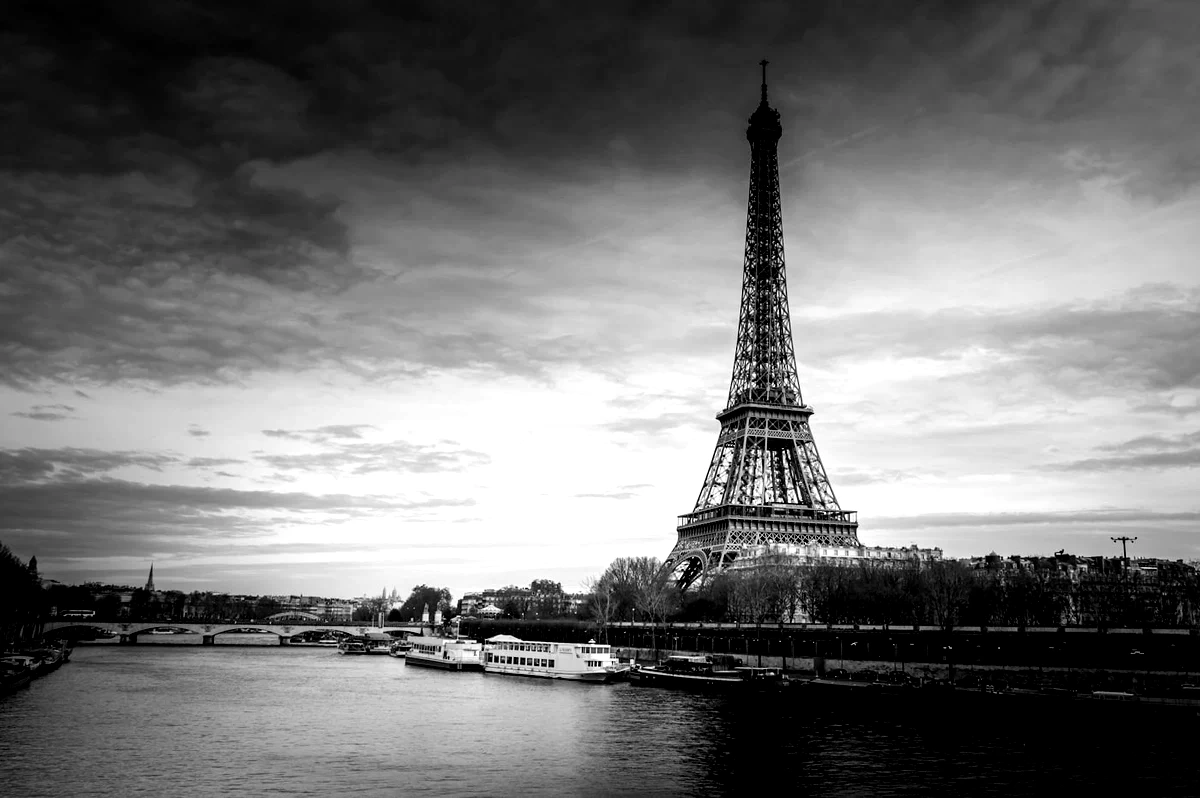
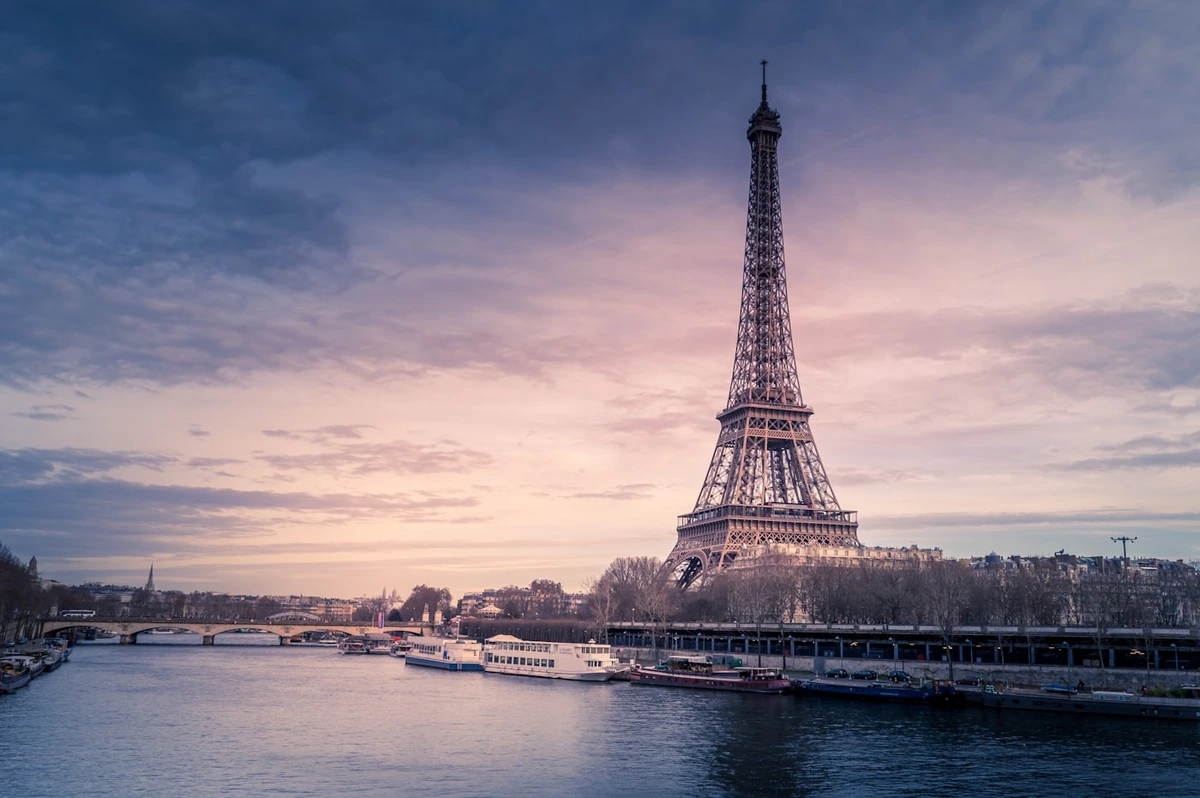
Drag the focus center directly over your subject and adjust inner radius and feathering smoothly.
Create crisp retro pixel art or clean mosaic obscuring with independent X/Y size controls.
Never upload private screenshots just to blur or pixelate them—everything runs locally.
Launch straight into the blur workspace and drop your image.
Fine-tune blur strength, feathering, or pixel shape with instant GPU feedback.
Export immediately without watermarks or server queues.
Includes local batch grading & ZIP packaging, all 10 signature film & cinematic looks, original/custom dimensions, lossless PNG/PDF, and cloud-synced personal presets.
Yes. Radial Blur supports both circular spotlight focus and linear tilt-shift modes with adjustable angle and feather.
No. Every filter runs strictly inside your local browser GPU.
WebGL Film Lab
Apply warm film, cool film, teal & orange, bleach bypass, and vintage looks to photos directly in your browser with GPU-accelerated WebGL—zero uploads, instant preview.
Batch Workflow · Pro
Grade one photo, then apply the exact same color preset and film look across up to 40 local photos in your browser and download a clean ZIP archive—no cloud upload required.
Copyright & Branding
Add clean text or transparent PNG logo watermarks, corner stamps, or full-canvas tiled protection to your photos locally in the browser with zero uploads.
Export & Delivery
Convert and resize JPG, WebP, lossless PNG, and single-page PDF directly in your browser with real-time file size estimation and zero server uploads.