One-click shareable look URLs
Encode your color adjustments into a compact URL so friends or followers can apply your exact style instantly.
Save custom presets locally for free, share any look with a single URL, or sync your full preset library across desktop and laptop with Pro.
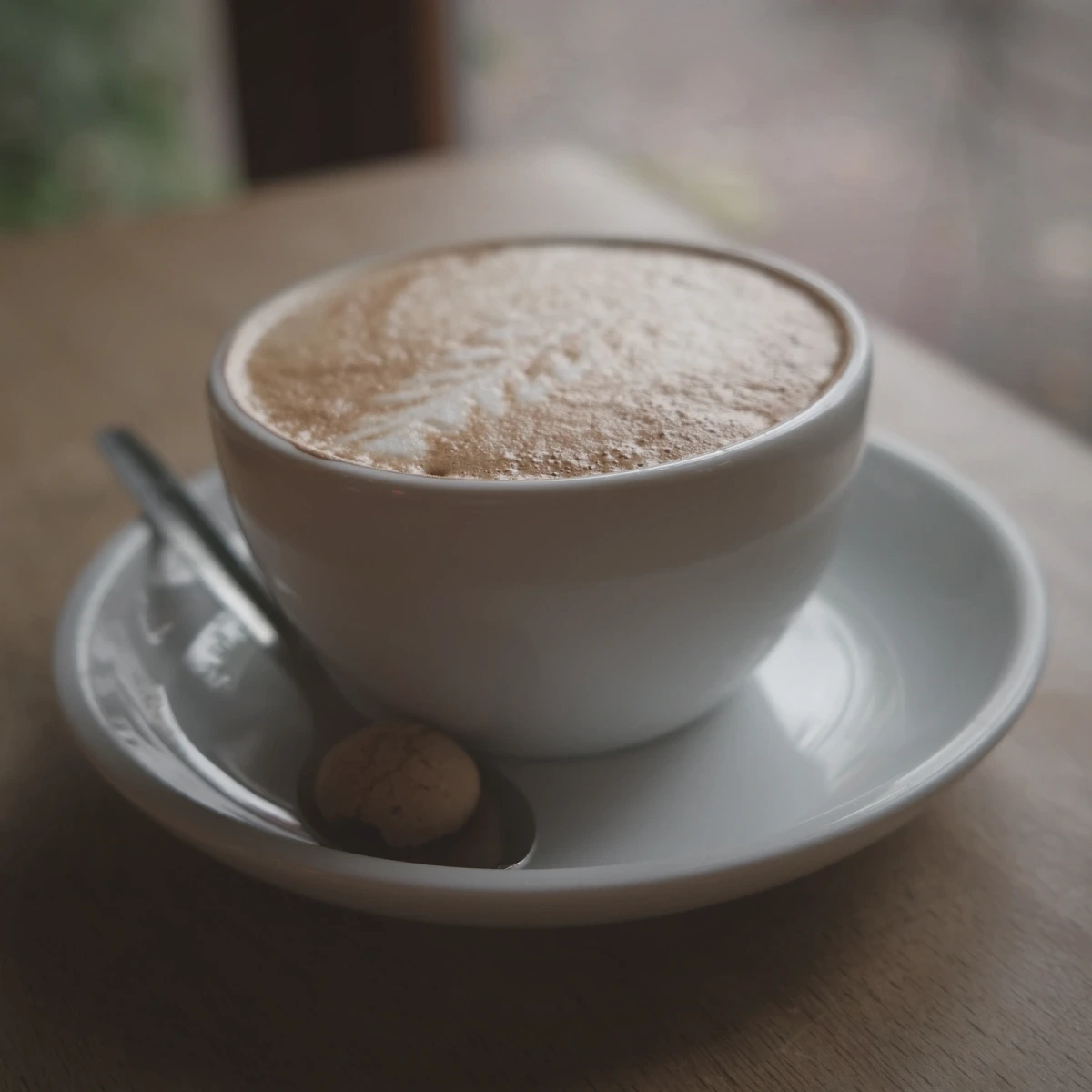
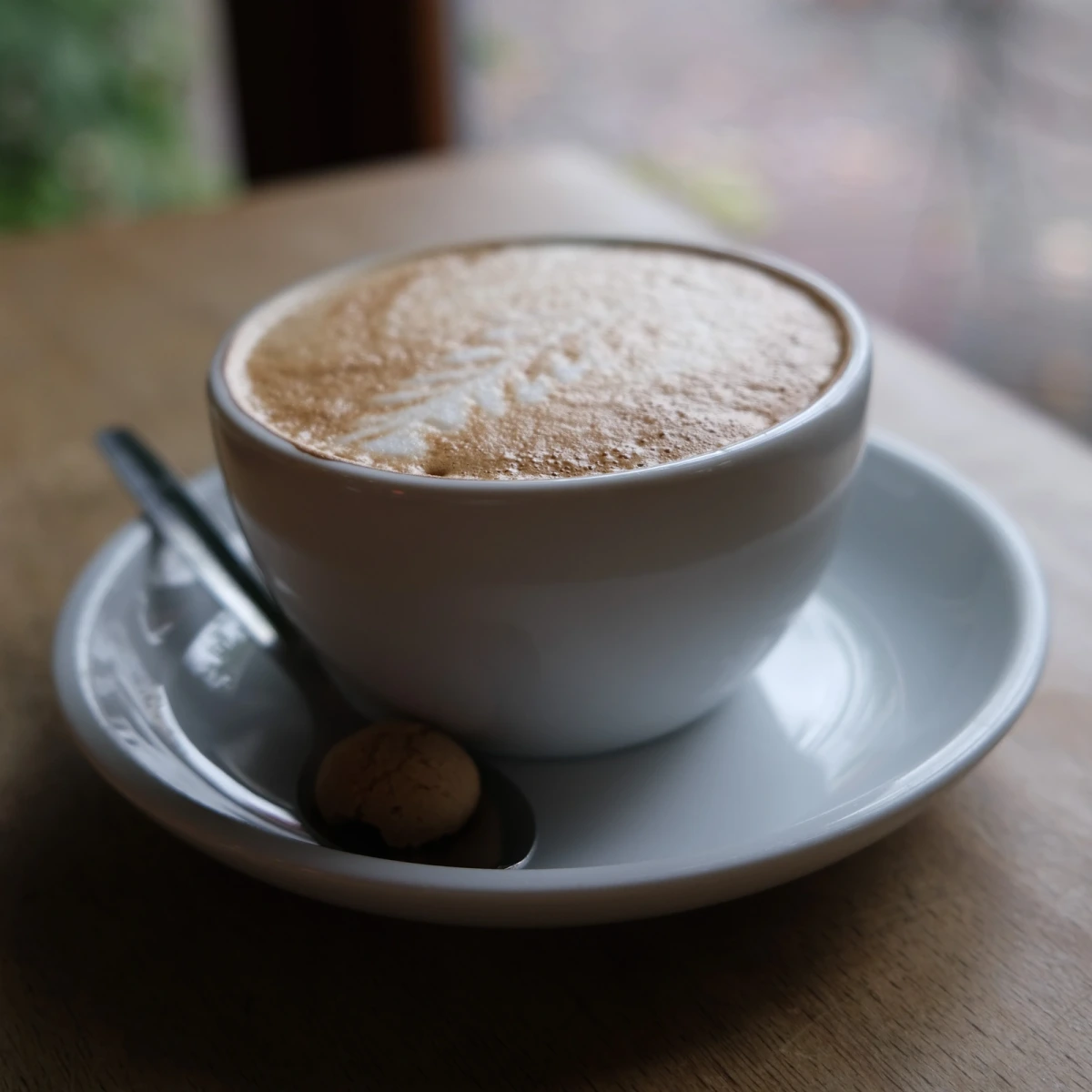
Encode your color adjustments into a compact URL so friends or followers can apply your exact style instantly.
Never lose carefully tuned presets when clearing browser data or switching between work and home machines.
Apply your saved preset to an entire folder of photos locally and export them in one ZIP.
Combine light, white balance, split toning, vibrance, and film grain to craft your signature look.
Name your preset for instant reuse in My Presets, or copy a link to share with others.
Pro syncs your preset library automatically across every personal device you sign in to.
Includes local batch grading & ZIP packaging, all 10 signature film & cinematic looks, original/custom dimensions, lossless PNG/PDF, and cloud-synced personal presets.
Both guests and signed-in free accounts can save up to 3 custom presets locally in the browser.
The link only contains the slider numbers—zero image data is ever included or uploaded.
WebGL Film Lab
Apply warm film, cool film, teal & orange, bleach bypass, and vintage looks to photos directly in your browser with GPU-accelerated WebGL—zero uploads, instant preview.
Batch Workflow · Pro
Grade one photo, then apply the exact same color preset and film look across up to 40 local photos in your browser and download a clean ZIP archive—no cloud upload required.
Copyright & Branding
Add clean text or transparent PNG logo watermarks, corner stamps, or full-canvas tiled protection to your photos locally in the browser with zero uploads.
Export & Delivery
Convert and resize JPG, WebP, lossless PNG, and single-page PDF directly in your browser with real-time file size estimation and zero server uploads.