Opening a photo editing tool today almost always means facing a $10–$30 monthly recurring subscription. Even if you don’t touch the app for months, the credit card charge still arrives on schedule. Cancel the subscription, and you lose access to your workflow. For photographers, content creators, and independent businesses, this software rental model has become an unnecessary burden.
Visdraw was built on a different principle from day one: USD 29 one-time purchase, lifetime access. Once purchased, you own the Pro features permanently—no expiration dates, no hidden renewals, and full multi-device and family sharing support. Below, we explain our local architecture and compare Free vs. Pro transparently.
1. Client-side rendering: Why we can offer a one-time buyout
Most cloud SaaS photo editors are forced to charge recurring monthly subscriptions because they upload every photo to remote data centers, renting high-cost cloud GPUs to compute pixels. Every render burns real cloud infrastructure dollars.
100% Browser-local computation
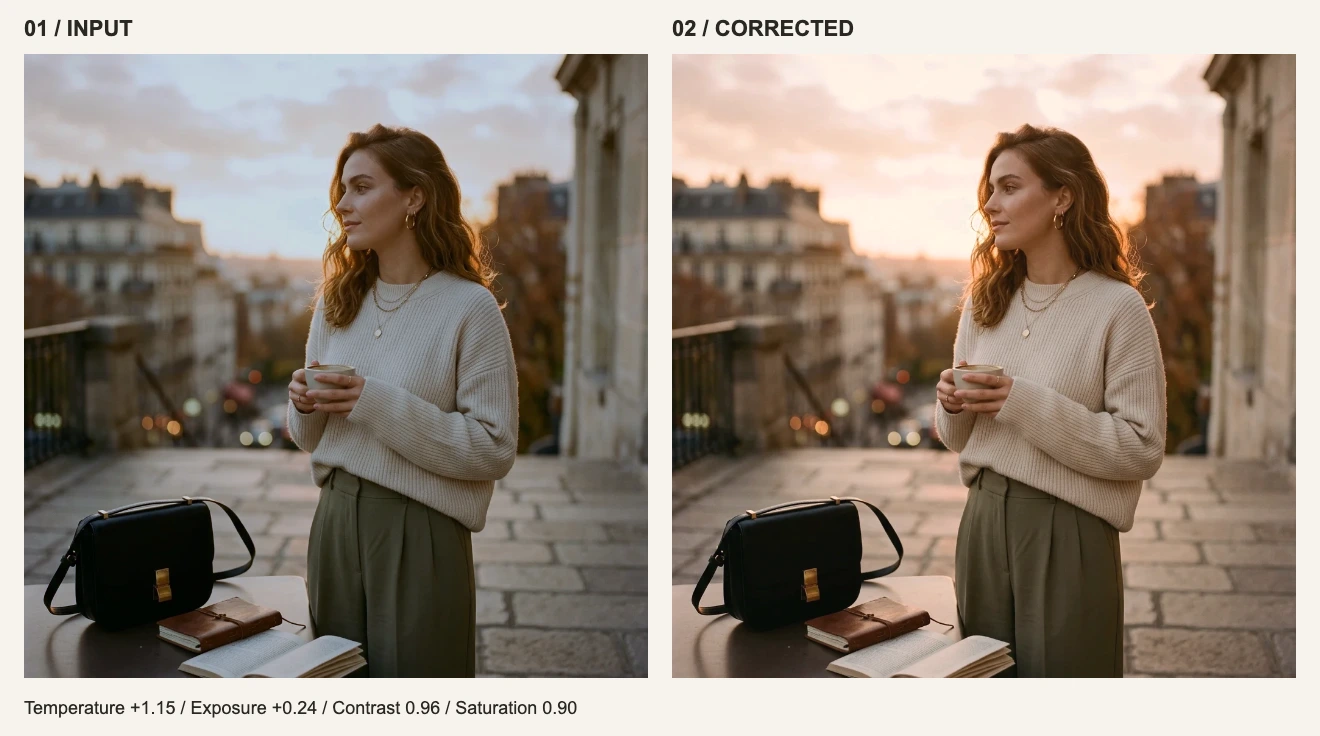
Powered by WebGL and Canvas engines, all exposure, white balance, tone curves and filter calculations utilize your device hardware directly with zero server latency.
Zero photo uploads
From file selection and decoding to grading and export, your images remain completely within your browser sandbox. Original photos never touch any external server.
No recurring cloud GPU overhead
Because we don’t pay server GPU bills for each of your edits, we do not need to extract recurring rents. We pass that architectural efficiency directly back to you.
No data harvesting or AI training
Many “free” web utilities monetize by selling user uploads or training AI models on private images. Visdraw is simple: supported cleanly by Pro purchases.
2. Complete Free vs. Pro comparison
We believe free users should be able to produce real work, while Pro should supercharge high-frequency workflows. Here is the full side-by-side comparison:
| Feature & Benefit | Free Tier | Visdraw Pro (Lifetime) |
|---|---|---|
| Price & licensing | Free forever | USD 29, one-time payment, lifetime access (tax included) |
| Core editing & color tools | All available (exposure, contrast, white balance, tone curves, etc.) | All available |
| Branded watermarks | None (optional watermark tool defaults to off) | None |
| Single file import size | No arbitrary limits (bounded only by device memory and WebGL textures) | No arbitrary limits |
| Daily export limit | 10 exports / day (resets at 00:00 UTC, shared across current browser) | Unlimited exports, no daily caps |
| Export formats & quality | PNG, JPG, WebP, single-page PDF (full original & custom resolutions) | Identical, all formats and qualities unlocked |
| Custom filter presets | Save and use locally in the current browser | All open, plus Cloudflare D1 cloud sync across devices |
| Multi-device & family sharing | Single browser local storage | Log in on multiple computers, share with family and team members |
| Advertising | May load Google ads if marketing consent is granted | Completely ad-free, distraction-free interface |
| Image privacy & security | 100% browser-local processing, zero uploads | 100% browser-local processing, zero uploads |
3. Dual-track architecture: cloud presets without sacrificing privacy
Privacy-conscious creators often ask: If Visdraw runs 100% locally, does Pro cloud preset sync upload any images to remote servers?
Once logged into your Pro account, your custom color recipes automatically sync across all your computers. Whether you edit on an office workstation, a travel laptop, or a secondary desktop, your presets are always ready to apply—without worrying about browser cache cleanups wiping out your work.
4. Should you upgrade to Pro or stay on Free?
We respect your budget. Here is our practical guidance based on your workflow:
- 1
Ideal for Free tier
If you edit a few photos each week, prepare blog graphics occasionally, and export under 10 images a day on one computer, the Free tier is fully functional. We never artificially cripple image quality or slap intrusive watermarks on your downloads.
- 2
Ideal for Pro creators and small teams
If you produce content frequently, batch-export photo series, manage social media or e-commerce imagery, Pro’s unlimited daily exports remove all friction. Furthermore, cloud preset sync lets you reuse your signature color style across machines seamlessly.
- 3
When not to buy
If you require multi-layer PSD compositing, heavy generative AI image generation, or catalog management for tens of thousands of RAW camera files, Visdraw is not meant to replace desktop Lightroom catalogs or Photoshop. We recommend pairing Visdraw with dedicated tools for those workloads.
5. Frequently asked questions (FAQ)
Frequently asked questions
Is Visdraw Pro truly a one-time purchase? Will it become a subscription later?
Yes, Visdraw Pro is a single USD 29 one-time payment. After checkout via Creem, permanent Pro access is recorded in our cloud database with no expiration date. You will never be forced into a recurring subscription.
How many computers can I use with one Pro license?
You can log in to your Pro account across multiple personal machines—desktop, laptop, and tablet. You may also share access with family and close collaborators.
Why are purchases non-refundable?
All core editing filters, export formats, and rendering performance are 100% available to test for free before purchase. Pro is an instantly provisioned digital license, so please test the Free tier thoroughly to ensure it meets your expectations before buying.
Can I use Visdraw offline?
Once the web page loads in your browser, the WebGL rendering engine runs completely offline. Locally cached presets can be applied without an internet connection. Changes sync to the cloud automatically once you reconnect.